Amadeus Commands with Examples Learn the World’s Leading Airline Reservation System
If you want to build a successful career in Air Ticketing, Airline Reservations, Travel & Tourism, Corporate Travel, or International Travel Agencies, learning Amadeus Commands is one of the most valuable professional skills you can acquire.
Every day, thousands of travel consultants across the globe use Amadeus to search flights, create reservations, calculate fares, issue tickets, process refunds, and manage Passenger Name Records (PNRs). While many beginners rely on graphical interfaces, experienced travel professionals work faster and more accurately using Amadeus command entries.
In this guide, you’ll learn Amadeus commands with practical examples, understand when each command is used, and discover how these commands are applied in real travel agency operations. Whether you’re a student or an experienced professional looking to refresh your skills, this guide is designed to help you build confidence with Amadeus GDS.
If you’re searching for the best Amadeus Commands training in Delhi, New Delhi, or NCR, this guide also explains how structured practical training can prepare you for a rewarding career in the travel industry.
What Are Amadeus Commands?
Amadeus Commands are short system entries used to interact directly with the Amadeus Global Distribution System (GDS). These commands allow travel professionals to perform airline reservation tasks quickly without navigating through multiple screens.
With the right command, you can:
- Search flight availability
- Book airline seats
- Create Passenger Name Records (PNRs)
- Add passenger details
- Display airline fares
- Issue electronic tickets
- Reissue tickets
- Process refunds
- Check flight status
- Manage booking queues
Learning these commands is essential for anyone pursuing a career in air ticketing or travel management.
Why Are Amadeus Commands Important?
Travel agencies and airlines value professionals who can work efficiently under pressure. Command-based operations reduce booking time, minimize errors, and improve customer service.
Benefits of Learning Amadeus Commands
- Faster airline reservations
- Improved booking accuracy
- Better employment opportunities
- Higher productivity
- Professional ticketing skills
- Confidence in handling live bookings
- Career growth in airlines and travel agencies
- International job opportunities
Professionals with strong command knowledge are often preferred by employers because they can complete reservations quickly and accurately.
Understanding the Amadeus Reservation Workflow
Before learning individual commands, it’s important to understand the overall booking process.
A standard airline reservation typically follows these steps:
- Check flight availability
- Sell the required flight
- Add passenger names
- Enter contact information
- Add ticketing details
- Receive booking confirmation
- Save the Passenger Name Record (PNR)
- Display fare
- Issue the electronic ticket
Once you understand this sequence, learning individual commands becomes much easier.
Basic Amadeus Commands with Examples
Below are some of the most commonly used commands that beginners learn during professional Amadeus training.
Note: Command formats may vary depending on airline settings, office profiles, and Amadeus updates. Always practice in a training environment before using them in live bookings.
1. Display Flight Availability
Purpose: Check available flights between two cities.
Example
AN15DECDELBOM
Meaning
- AN = Availability Neutral
- 15DEC = Travel Date
- DEL = Delhi
- BOM = Mumbai
The system displays all available flights on the selected date.
2. Display Flight Availability for a Specific Airline
Example
AN15DECDELBOM/AI
This command displays only Air India flights between Delhi and Mumbai.
3. Sell Seats from Availability
After selecting the desired flight, the next step is to sell the seats.
Example
SS2Y1
Meaning
- SS = Sell Seats
- 2 = Number of Seats
- Y = Booking Class
- 1 = Flight Line Number
This command books two seats from the first available flight displayed.
4. Enter Passenger Name
Every booking requires passenger details.
Example
NM1SHARMA/RAHULMR
Meaning
- NM = Name
- 1 = One Passenger
- SHARMA = Surname
- RAHUL = First Name
- MR = Title
The passenger name is added to the reservation.
5. Add Contact Number
Travel agencies must record passenger contact information.
Example
AP 9810012345
This command stores the passenger’s contact number in the PNR.
6. Add Email Address
Many airlines send e-tickets and schedule updates via email.
Example
APE RAHUL@EMAIL.COM
The passenger’s email address is saved in the booking record.
7. Add Ticketing Time Limit
Travel agencies specify when the ticket should be issued.
Example
TKTL15DEC
This command sets the ticketing deadline.
8. Received From
Every reservation must record who authorized the booking.
Example
RF RAHUL
This indicates that Rahul requested or confirmed the reservation.
9. End Transaction
The booking is saved using the End Transaction command.
Example
ET
The PNR is stored successfully and a booking reference is generated.
10. Retrieve an Existing PNR
If you already have a booking reference, retrieve it using:
Example
RT ABC123
Replace ABC123 with the actual PNR locator.
This command opens the existing reservation for review or modification.
Tips for Practicing Amadeus Commands
To master Amadeus quickly:
- Practice commands every day in a training environment.
- Understand the purpose of each command instead of memorizing it.
- Create complete sample bookings from start to finish.
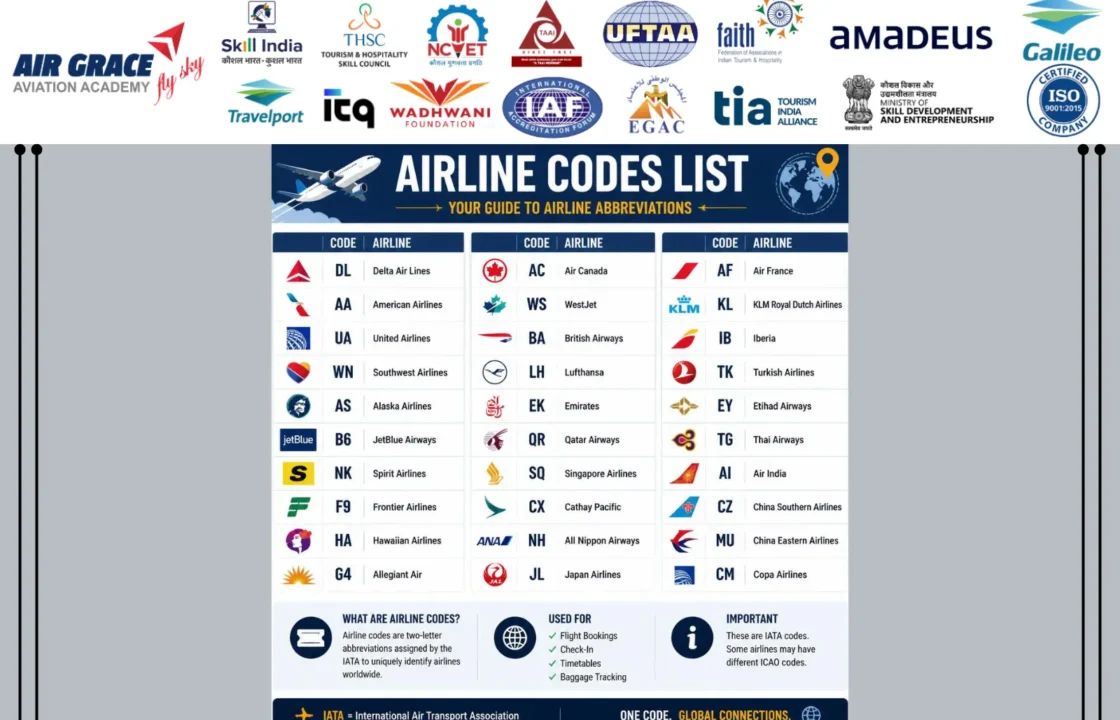
- Learn airline codes and airport codes alongside commands.
- Study fare rules before issuing tickets.
- Repeat booking exercises until you can complete them without assistance.
Consistent practice is the key to becoming a confident travel professional.
Why Students in Delhi Prefer Practical Amadeus Training
Students from Connaught Place, Karol Bagh, Laxmi Nagar, Dwarka, Janakpuri, Rohini, Pitampura, South Delhi, Noida, Ghaziabad, Faridabad, Gurugram, and across NCR choose practical Amadeus training because employers expect candidates to work on live reservation systems not just understand theory.
Hands-on training helps learners become familiar with real booking scenarios, improving both speed and accuracy before entering the travel industry.
Passenger Name Record (PNR) Commands in Amadeus
A Passenger Name Record (PNR) is the heart of every airline reservation. It stores all the essential information related to a passenger’s journey, including flight details, passenger names, contact information, ticketing arrangements, special requests, and booking history.
Travel consultants working in airlines, OTAs, corporate travel companies, and IATA-accredited travel agencies use PNR commands every day.
Below are some of the most frequently used PNR commands with practical examples.
Display an Existing PNR
If a customer calls to modify or check an existing booking, you first retrieve the reservation.
Example
RT ABC123
Meaning
- RT = Retrieve Transaction
- ABC123 = Passenger’s PNR Locator
The system displays the complete booking record.
Redisplay Current Booking
If the booking screen changes after editing, you can quickly redisplay it.
Example
RT
This refreshes the currently opened PNR.
Ignore the Booking
If you made changes by mistake and do not want to save them:
Example
IG
This ignores all unsaved changes.
Ignore and Retrieve Again
Example
IR
The booking reloads without saving any unwanted changes.
Add Passenger Phone Number
Travel agencies should always save the passenger’s mobile number.
Example
AP DEL 9810012345-H
Meaning
- AP = Add Phone
- DEL = Delhi Office
- H = Home Contact
Add Office Contact Number
Example
AP DEL 01145678910-B
B indicates a business or office contact.
Add Passenger Email
Example
APE JOHN.SMITH@EMAIL.COM
This stores the passenger’s email address for e-ticket delivery and notifications.
Add a General Remark
Sometimes agencies add internal notes.
Example
RM PASSENGER PREFERS MORNING FLIGHTS
Remarks help travel consultants remember customer preferences.
Add Confidential Remark
Example
RC VIP CORPORATE CLIENT
Confidential remarks remain available for agency reference.
Fare Display Commands in Amadeus
Fare calculation is one of the most important responsibilities of an airline ticketing executive.
Amadeus provides several commands to display and compare fares before issuing tickets.
Display Fare Quote
Example
FXP
Meaning
- FXP = Price the itinerary automatically.
The system calculates the applicable fare, taxes, and total amount.
Display Best Available Fare
Example
FXA
This command searches for alternative lower fares if available.
Fare Rule Display
Understanding fare rules helps agents explain cancellation charges, baggage allowances, date changes, and refund conditions.
Example
FQN1
Meaning
- Display fare rules for Fare Quote Number 1.
Fare Notes
Example
FQQ1
Displays additional fare information.
Display Taxes
Example
TQT
Shows detailed pricing, including fare construction and taxes.
Flight Information Commands
Before confirming reservations, travel consultants often verify flight details.
Display Flight Information
Example
DO AI302/15DEC
Displays operational details of Air India Flight AI302 on 15 December.
Flight Schedule
Example
SN15DECDELBOM
Shows scheduled flights between Delhi and Mumbai.
Minimum Connecting Time
Example
DM DEL
Displays minimum connection times for Delhi Airport.
Seat Map Commands
Passengers frequently request preferred seating.
Amadeus makes seat selection simple.
Display Seat Map
Example
SM
Displays available seats for the booked flight.
Request Seat
Example
ST/12A
Requests seat 12A.
Request Window Seat
Example
ST/W
Requests a window seat.
Request Aisle Seat
Example
ST/A
Requests an aisle seat.
Ticketing Commands
Ticket issuance is the final step after completing the reservation.
Automatic Ticketing
Example
TTP
Issues the electronic ticket.
Display Electronic Ticket
Example
TWD
Displays ticket information.
Display Ticket History
Example
TJQ
Displays ticket history.
Print Passenger Itinerary
Example
IEP
Generates the passenger itinerary.
Ticketing Time Limit
Example
TKTL20DEC
Sets the deadline for ticket issuance.
SSR (Special Service Request) Commands
Passengers often require additional services during travel.
SSR commands communicate these requests directly to the airline.
Request Vegetarian Meal
Example
SR VGML
Requests a vegetarian meal.
Request Wheelchair
Example
SR WCHR
Requests wheelchair assistance.
Request Infant
Example
SR INFT
Adds an infant to the reservation.
Request Child Meal
Example
SR CHML
Requests a child’s meal.
Request Bassinet
Example
SR BSCT
Requests a bassinet for an infant.
Request Extra Baggage
Example
SR XBAG
Requests additional baggage where supported by the airline.
OSI (Other Service Information) Commands
OSI messages provide airlines with useful passenger information that does not require confirmation.
Add OSI Information
Example
OS YY PASSENGER IS A CORPORATE CLIENT
This sends an informational message to participating airlines.
Add Contact Information Through OSI
Example
OS YY CONTACT 9810012345
Allows additional contact details to be shared when appropriate.
Queue Commands
Travel agencies use queues to manage bookings that require follow-up.
Display Queue
Example
QT
Displays available booking queues.
Open Queue
Example
QS8
Opens Queue Number 8.
Remove Booking from Queue
Example
QR
Removes the processed booking from the queue.
Why Practical Amadeus Command Training Matters
Reading commands is only the first step. Employers expect candidates to understand how and when each command is used during a complete booking process.
At Air Grace Aviation Academy, Connaught Place, New Delhi, students work on practical reservation exercises that simulate real travel agency operations. Instead of memorizing isolated commands, they learn to complete an end-to-end booking—from checking availability and creating a PNR to pricing, ticket issuance, reissues, and refunds.
Our practical training includes:
- Live Amadeus GDS practice sessions
- Airline reservation workflows
- PNR creation and modification
- Fare calculation and fare rules
- Ticket issuance and e-ticket verification
- Queue handling
- SSR and OSI entries
- Real-world booking case studies
- Interview preparation and placement support
Students from Connaught Place, Karol Bagh, Laxmi Nagar, Dwarka, Rohini, Pitampura, Janakpuri, South Delhi, Noida, Ghaziabad, Gurugram, Faridabad, and across Delhi NCR join our industry-oriented programs to build job-ready skills for careers in airlines, travel agencies, and corporate travel.
Advanced Amadeus Commands Every Travel Professional Should Know
Once you’ve mastered the basic reservation workflow, the next step is learning advanced Amadeus commands. These commands are commonly used by experienced ticketing executives, corporate travel consultants, airline reservation officers, and IATA-accredited travel agencies to manage changes, cancellations, refunds, and complex bookings.
Knowing these commands makes you more productive and increases your value to employers in the travel industry.
Reissue Commands in Amadeus
Passengers frequently request changes after a ticket has been issued. Reissue commands allow travel professionals to modify itineraries while following airline fare rules and applicable penalties.
Common Reissue Workflow
- Retrieve the PNR
- Check the existing ticket
- Verify fare rules
- Rebook the new itinerary
- Calculate the additional fare
- Collect any change fees
- Reissue the ticket
Example – Display Existing Ticket
TWD
Displays the electronic ticket details.
Example – Display Fare Rules Before Reissue
FQN1
Always review fare rules before making any changes.
Example – Reprice the Updated Itinerary
FXQ
Recalculates the fare after itinerary changes.
Note: Some reissue entries vary depending on airline policies, market, and Amadeus office configuration. Always follow airline procedures and practice in a training environment.
Refund Commands in Amadeus
Refunds are one of the most sensitive tasks in airline ticketing. Before processing a refund, agents should verify whether the ticket is refundable, partially used, or subject to airline penalties.
Refund Process
- Retrieve the ticket.
- Check ticket status.
- Review fare rules.
- Verify airline refund policy.
- Calculate refund amount.
- Process the refund.
Example – Display Ticket
TWD
Example – Display Fare Rules
FQN1
Proper training is essential because refund procedures differ between airlines and ticket types.
Queue Management Commands
Airlines constantly send updates regarding schedule changes, cancellations, waitlist confirmations, and ticketing reminders. Queue management helps travel agencies organize and process these updates efficiently.
Display Queue
QT
Displays available queues.
Open Queue Number 12
QS12
Opens Queue 12.
Remove Processed Booking from Queue
QR
Removes the booking after processing.
Passenger History Commands
Viewing booking history helps agents understand previous changes made to a reservation.
Display Booking History
RH
Shows the history of modifications made to the PNR.
Frequent Flyer Commands
Passengers often request that their airline loyalty numbers be added to a booking.
Example
FFN AI123456789
Associates the passenger’s frequent flyer membership with the reservation.
Waitlist Commands
If a flight is full, passengers may be placed on a waitlist.
Example
SS1Y1/LL
Requests one waitlisted seat in the specified booking class.
Cancel Flight Segment
If a passenger no longer wishes to travel on a particular flight:
Example
XE2
Cancels flight segment number 2.
Cancel Entire Booking
Example
XI
Cancels all itinerary segments within the reservation.
Display Flight Timetable
Example
TNDELBOM
Displays the timetable between Delhi and Mumbai.
Display Airport Information
Example
DAC DEL
Displays airport information for Delhi.
Display Airline Information
Example
DNAI
Displays airline information for Air India.
Most Common Amadeus Commands Cheat Sheet
| Function | Example Command |
|---|---|
| Flight Availability | AN15DECDELBOM |
| Sell Flight | SS2Y1 |
| Passenger Name | NM1SHARMA/RAHULMR |
| Contact Number | AP DEL 9810012345-H |
| Email Address | APE RAHUL@EMAIL.COM |
| Ticketing Time Limit | TKTL15DEC |
| Received From | RF RAHUL |
| Save Booking | ET |
| Retrieve PNR | RT ABC123 |
| Ignore Changes | IG |
| Fare Quote | FXP |
| Best Fare | FXA |
| Fare Rules | FQN1 |
| Ticket Display | TWD |
| Issue Ticket | TTP |
| Seat Map | SM |
| Vegetarian Meal | SR VGML |
| Wheelchair | SR WCHR |
| Queue Display | QT |
| Queue Open | QS8 |
| Queue Remove | QR |
| Booking History | RH |
| Cancel Segment | XE2 |
Common Mistakes Beginners Make While Using Amadeus Commands
Many students focus only on memorizing commands without understanding the booking process. This often leads to costly mistakes.
Avoid these common errors:
- Entering passenger names incorrectly
- Selecting the wrong booking class
- Forgetting to add contact details
- Ignoring fare rules before ticketing
- Issuing tickets without fare verification
- Missing SSR requests
- Failing to save the PNR
- Overlooking ticketing time limits
- Processing changes without checking penalties
- Not reviewing airline schedule updates
The best way to avoid these mistakes is through regular hands-on practice using training scenarios.
Tips to Master Amadeus Commands Faster
If you want to become job-ready, follow these proven tips:
- Practice daily on an Amadeus training system.
- Learn command logic instead of memorizing entries.
- Create complete reservations from start to finish.
- Practice domestic and international itineraries.
- Study airport codes and airline codes.
- Learn fare construction and fare rules.
- Work on refunds and reissues.
- Solve real-world booking case studies.
- Stay updated with airline policy changes.
Career Opportunities After Learning Amadeus Commands
Professionals who master Amadeus GDS are in demand across the travel industry.
You can apply for roles such as:
- Air Ticketing Executive
- Domestic Ticketing Executive
- International Ticketing Executive
- Reservation Executive
- Travel Consultant
- Corporate Travel Executive
- Airline Reservation Officer
- Customer Support Executive
- Tour Operations Executive
- Visa Processing Executive
- OTA Reservation Executive
- Airport Reservation Staff
Employers value candidates who can confidently work on live reservation systems with minimal supervision.
Why Choose Air Grace Aviation Academy for Amadeus GDS Training?
Learning Amadeus commands from a list is useful but becoming employable requires practical experience.
At Air Grace Aviation Academy, students receive industry-focused training designed to prepare them for real travel agency and airline operations.
What You’ll Learn
- Live Amadeus GDS operations
- Flight reservations
- PNR creation and management
- Domestic and international ticketing
- Fare calculation and fare rules
- Reissue and refund procedures
- Queue management
- Airline and airport codes
- IATA geography
- Customer handling
- Corporate booking procedures
- Travel documentation basics
Why Students Choose Us
- Experienced industry trainers
- Hands-on practical sessions
- Updated curriculum
- Small batch sizes
- Mock interviews
- Resume-building support
- Placement assistance
- Industry-oriented training
Students from Connaught Place, Karol Bagh, Rajouri Garden, Janakpuri, Dwarka, Rohini, Pitampura, Laxmi Nagar, South Delhi, Noida, Ghaziabad, Gurugram, Faridabad, and across Delhi NCR join our programs to build practical skills that employers look for.
Frequently Asked Questions (FAQs)
What are Amadeus commands?
Amadeus commands are system entries used in the Amadeus Global Distribution System (GDS) to perform airline reservations, ticketing, fare calculations, PNR management, refunds, and other travel-related operations.
Is Amadeus difficult to learn?
No. Beginners can learn Amadeus through structured practical training. With regular practice, most students become comfortable using the essential commands within a few weeks.
Do travel agencies still use Amadeus commands?
Yes. Airlines, travel agencies, online travel agencies (OTAs), and corporate travel companies continue to use Amadeus extensively for reservation and ticketing operations.
Can I learn Amadeus after the 12th?
Yes. Students who have completed 12th grade can enroll in professional Amadeus and Air Ticketing courses to start a career in the travel industry.
Is practical training necessary?
Absolutely. Reading commands alone is not enough. Employers expect candidates to understand complete booking workflows, fare calculations, ticket issuance, reissues, and customer service.
Which industries hire Amadeus professionals?
Amadeus-trained professionals are hired by airlines, travel agencies, tour operators, corporate travel companies, online travel portals, airports, cruise companies, hospitality organizations, and visa service providers.
Final Thoughts
Mastering Amadeus Commands with Examples is one of the most valuable investments you can make if you’re planning a career in the travel and tourism industry. While many online resources provide only short command lists, true expertise comes from understanding why each command is used, when to apply it, and how it fits into a complete airline reservation workflow.
Whether you’re booking a domestic flight, managing an international itinerary, processing a reissue, or issuing an electronic ticket, confidence with Amadeus commands will help you work faster, reduce errors, and deliver professional customer service.
As airlines and travel companies continue to rely on the Amadeus GDS, professionals with practical command knowledge will remain in high demand across India and worldwide.
Start Your Amadeus Journey with Air Grace Aviation Academy
Ready to build a successful career in Air Ticketing, Airline Reservations, Travel & Tourism, or Corporate Travel?
Join Air Grace Aviation Academy, one of Delhi’s leading aviation and travel training institutes, and gain practical, job-oriented experience with live Amadeus GDS training.
Our Industry-Focused Training Includes:
- ✅ 100+ Essential Amadeus Commands with Practical Examples
- ✅ Live Flight Reservation Practice
- ✅ Passenger Name Record (PNR) Creation
- ✅ Fare Display & Fare Rules
- ✅ Electronic Ticket Issuance
- ✅ Reissue & Refund Procedures
- ✅ Queue Management
- ✅ Airline & Airport Codes
- ✅ Interview Preparation
- ✅ Resume Building
- ✅ Placement Assistance
📍 Address:
5th Floor, 514, Barakhamba Road, Connaught Place, New Delhi – 110001
📞 Call / WhatsApp: +91-8527446364
If you’re searching for the best Amadeus course in Delhi, Amadeus GDS training in New Delhi, or a job-oriented Air Ticketing Course in Delhi NCR, Air Grace Aviation Academy offers practical training that prepares you for real-world opportunities in airlines, travel agencies, OTAs, and corporate travel companies.
Enroll today and take the first step toward becoming a skilled Amadeus GDS professional.

Related posts

Travel Agency Business: The Complete Guide to Starting, Managing & Growing a Successful Travel Agency in India
The travel agency business has transformed dramatically over the past decade. With millions of people traveling every ye …
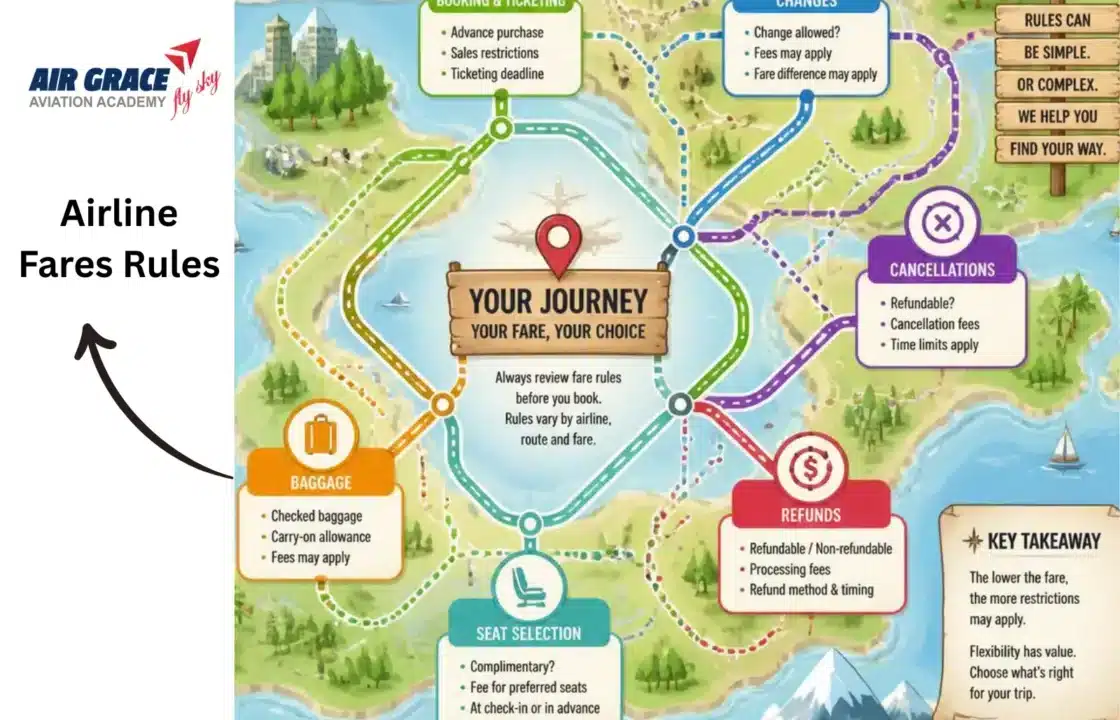
Airline Fare Rules: Everything You Need to Know Before Booking a Flight
Understanding airline fare rules is one of the most important skills for anyone working in the aviation and travel indus …